A Bluetooth OBD2 scanner turns your phone into a diagnostic tool: plug a small adapter into the car, open the app, and read what the car is telling you. But the range is huge – from €15 adapters that only show engine codes to app-based scanners that can reset the electronic parking brake, register a new battery or start a DPF regeneration.
This guide explains the three types of smartphone OBD2 scanners, what to check before you buy, and which one makes sense for home mechanics and small workshops.
Quick answer
- Just want to know why the check-engine light is on? A basic ELM327-style adapter with a free app is enough.
- Want to do your own service work – oil reset, brake pads with EPB, battery replacement, DPF? You need a full-system scanner with service functions, such as the MittmannLive TopScan PRO.
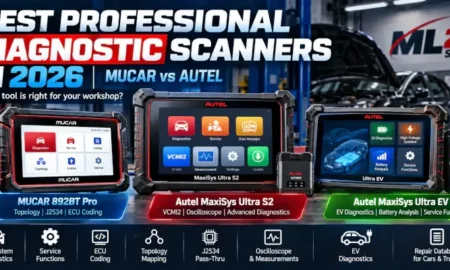
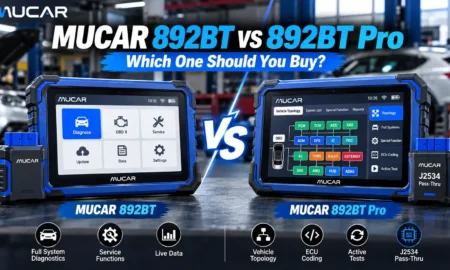
- Working on customer cars every day? A phone is a good second tool, but a tablet with bidirectional tests and coding (for example the MUCAR 892BT) will pay for itself faster.
The three types of smartphone OBD2 scanners
| Type | What it reads | Service functions | Best for |
|---|
| Basic ELM327 adapter | Engine codes and generic live data | None | Checking a warning light |
| Full-system app scanner | All modules: engine, ABS, airbag, transmission, body | Oil, EPB, BMS, DPF, SAS, TPMS and more | DIY service and small workshops |
| Professional tablet | All modules + active tests, coding | 35+ functions, bidirectional control | Daily workshop use |
Basic ELM327 adapters
Cheap and useful for one thing: reading generic engine fault codes (P-codes) and basic live data such as coolant temperature or RPM. They cannot see the ABS, airbag, transmission or body modules, and they cannot perform service resets. Quality also varies a lot – many clones drop the connection or do not work with iOS.
Full-system app scanners
These adapters come with a dedicated app that talks to every control unit in the car, not just the engine. More importantly, they include service functions – the reason most people buy a scanner in the first place. Replace the rear brake pads on a car with an electronic parking brake, and you need the tool to open the calipers. Replace the battery on many modern cars, and the new one must be registered. This is the category the TopScan PRO belongs to.
Professional tablets
A tablet adds bidirectional tests (switching components on from the tool), ECU coding and a bigger screen for live-data graphs. For a workshop that diagnoses customer cars daily, this is the right tool. For home use it is usually more than you need.
What to check before you buy
- iOS and Android support – many cheap adapters work only with Android, or only over Wi-Fi on iPhone. Look for Bluetooth 5.0 and a native app for both systems.
- Full-system access – "reads all OBD2 codes" usually means only the engine. Look for ABS, SRS, transmission and body modules by name.
- Service functions – check the exact list: oil reset, EPB, BMS, DPF, SAS, TPMS, throttle adaptation, AdBlue.
- Vehicle coverage – the number of supported brands, and whether your make, model and year is on the list.
- Update costs – how long updates are included and what happens after that.
- Subscriptions inside the app – some "cheap" scanners lock each car brand or each function behind a separate in-app payment.
MittmannLive TopScan PRO: our pick for smartphones
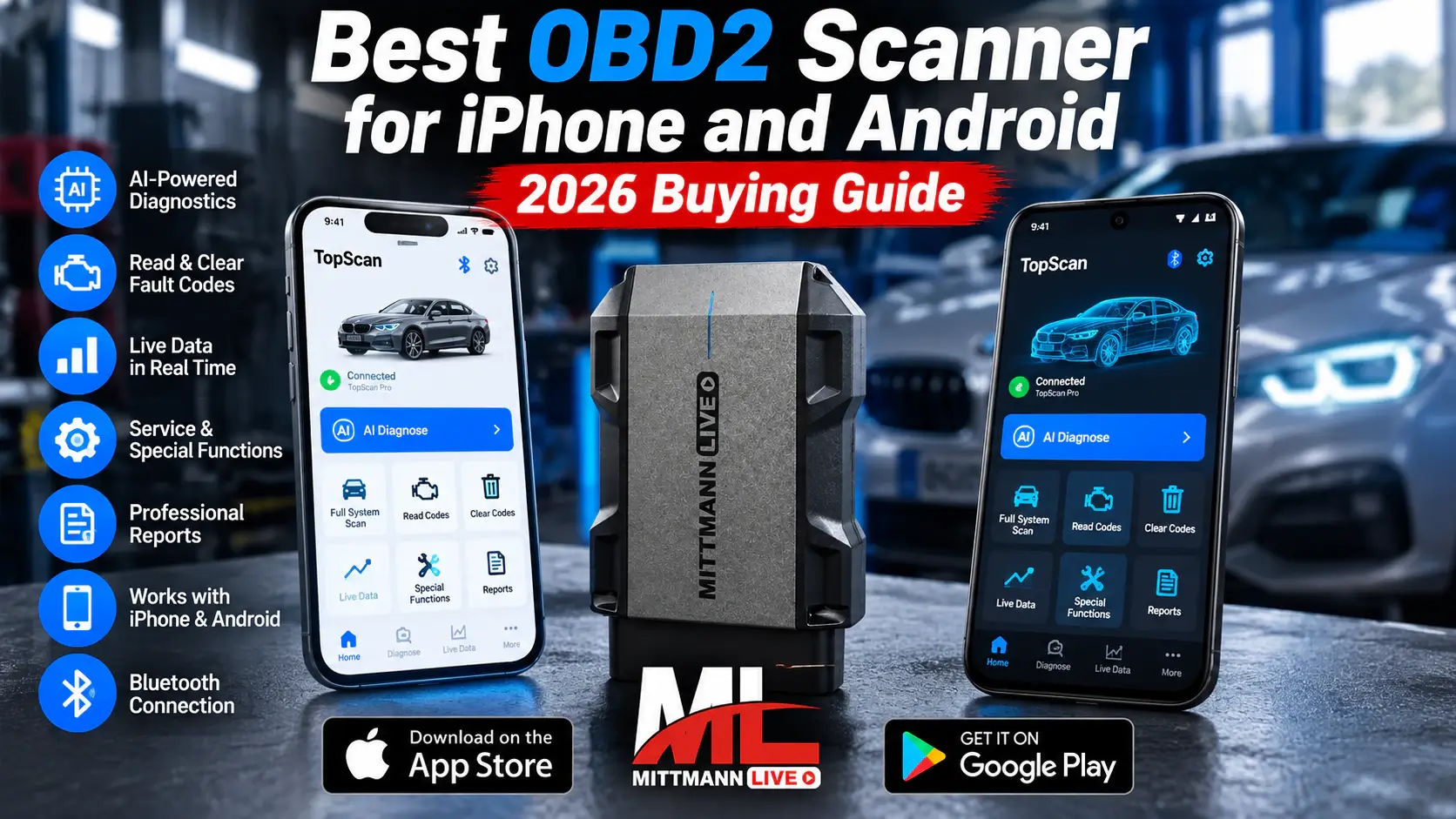
The TopScan PRO is a Bluetooth OBD2 adapter with the TopScan app for Android and iOS. It sits in the full-system category and is built for people who want to do real service work with their phone.
- Full-system diagnostics – read and clear fault codes across the vehicle's control units
- 30+ service functions – oil service, EPB, DPF, BMS, ABS bleeding, TPMS, throttle adaptation, AdBlue/NOx and more, depending on the vehicle
- AI-assisted fault analysis – helps you interpret fault codes and suggests likely causes
- 60+ vehicle brands from Europe, Asia and America
- Bluetooth 5.0, range up to 10 m
- Android 7.0+ and iOS 10.0+; app in English, German, French, Spanish and Russian
- Compact – 84 × 50 × 27 mm, 78 g; stays in the glovebox
- 1-year warranty and 1 year of software updates included
Is a smartphone scanner enough?
Yes, if you service your own cars or a small fleet, want to understand warning lights before going to a workshop, and need service resets after brake, battery or oil jobs.
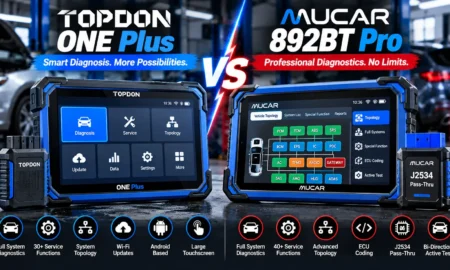
No, if you need to switch components on to test them, code new modules or work on customer cars all day. In that case read our comparison MUCAR 892BT vs 892BT Pro.
Frequently asked questions
Does an OBD2 scanner work with every car?
Every petrol car sold in the EU since 2001, every diesel since 2004 and every car sold in the US since 1996 has an OBD2 port. Generic engine codes work on all of them. Full-system access and service functions depend on the make, model and year.
Can I use the TopScan PRO on an iPhone?
Yes. The TopScan app is available for iOS 10.0 and later and for Android 7.0 and later. The adapter connects over Bluetooth.
Can a phone scanner reset the service light?
Basic ELM327 adapters cannot. Full-system scanners such as the TopScan PRO include an oil service reset for supported vehicles.
Can I leave the adapter plugged in?
Unplug it when you are not using it. Any device on the OBD2 port can draw a small current and drain the battery if the car stands for days.
Conclusion
For a warning light now and then, a basic adapter is fine. For real service work from your phone – brakes, battery, DPF, oil – choose a full-system scanner. The TopScan PRO covers that with 30+ service functions, AI-assisted analysis and support for both iPhone and Android.
View TopScan PRO