Autel MaxiPRO MP808S 1-Year Update – Latest Software, Protocols and Vehicle Coverage
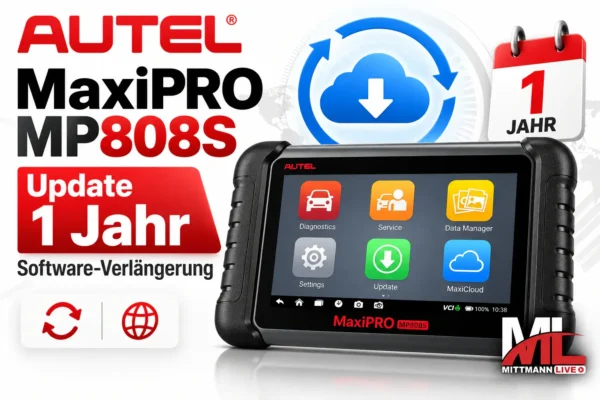
With the Autel MP808S Update, you extend the software access for your existing Autel MaxiPRO MP808S for another 12 months. You receive the latest software versions, updated diagnostic protocols, and expanded vehicle coverage released by Autel during this period. Activation is completed online using the device serial number – no physical delivery required.
- 12 Months of Updates
- For MaxiPRO MP808S
- Online Activation
- No Shipping Required
What the MP808S Software Update Includes
Included
- New software versions with expanded functions
- New vehicle models from Europe, Asia and America
- Updated diagnostic protocols
- Bug fixes and software optimizations
Not Included
- Diagnostic device or hardware
- Licenses for MP808S-TS, MP808 or other Autel models
- Security Gateway unlocks and additional services
How to Install the Update Correctly
A complete update includes numerous vehicle software packages and may take some time. Follow these steps to help ensure a smooth installation:
- Connect the Power SupplyConnect the MP808S to its power adapter to prevent the battery from running out during the download.
- Use a Stable Wi-Fi ConnectionFor best results, stay close to your router – an interrupted connection can unnecessarily extend the update process.
- Open the Update SectionOpen the “Update” menu, select the available software packages and download them.
- Do Not Interrupt the ProcessDo not switch off the device or start a diagnostic session while the software is being installed. Restart the device once the installation is complete.
Activation via Serial Number
After placing your order, send us the serial number of your MP808S – you can find it in the device information. The device must be registered to your Autel account. Once the license has been activated, you can download the available updates as described above.
Your MP808S will remain operational with the last installed software version even without renewing the update license. However, new vehicle coverage, software updates and newly released functions will no longer be added.
Please check your model: This license is intended for the MaxiPRO MP808S. The MP808S-TS with TPMS functions and other Autel diagnostic devices require their own update licenses, available under
Autel Updates. Once activated, the license cannot be transferred.
MP808S or MP808S-TS?
Send us a photo of the device label or the serial number. We will check which update license is suitable for your device before you order.
Ask Us on WhatsApp
Frequently Asked Questions About the Autel MP808S Update
Is this license also compatible with the MP808S-TS?
No. The MP808S-TS with TPMS functions requires its own update license. This license is specifically for the MaxiPRO MP808S.
How is the update activated?
The update is activated online using your device serial number. No physical product is shipped.
Will my MP808S continue to work without an update?
Yes. Your MP808S will continue to work with the last installed software version. However, new vehicle coverage and newly released functions are only added while you have a valid update license.
How long does the installation take?
The installation time depends on the number of software packages and the speed of your Wi-Fi connection. Connect the device to its power supply and do not interrupt the update process.







Reviews
There are no reviews yet.